Siri AI in Belgium: on your Mac, not on your iPhone
Searching for “Siri AI Belgium” and finding nothing on your iPhone? That’s right. Apple’s new, smarter Siri is not available on European iPhones, iPads and Apple Watches.
But there is a side door: on your Mac, it works. Here too, even with a Belgian Apple account.
Dutch tech site Tweakers put it to the test and published an extensive hands-on on September 28, 2026: Siri is now usable, but not entirely flawless. We went to Apple’s own documentation to find out exactly what is allowed, on which device, and how to turn it on.
Why Siri AI isn’t coming to your iPhone in Belgium
Apple launched Siri AI in beta on September 14, 2026, in English only for now. The announcement on Apple Newsroom spells it out in black and white: “Siri AI will not be available initially in the EU on iOS, iPadOS, and watchOS.”
The reason is the Digital Markets Act (DMA), the European law meant to rein in big tech platforms. According to Apple, that law would require it to give every other assistant direct access to your private data and your apps. Apple won’t go along with that. You can read the full story, and why Google Gemini is part of what runs under the hood, in our earlier post on Siri and Gemini.
The Mac falls outside that block. As early as June 8, 2026, Apple wrote: “EU users will be able to access Siri AI on macOS 27 and visionOS 27.”
The same text also rules out the Apple Watch. Siri AI on the watch needs a paired iPhone with Siri AI, and you don’t have that here.
Where does Siri AI work in Belgium?
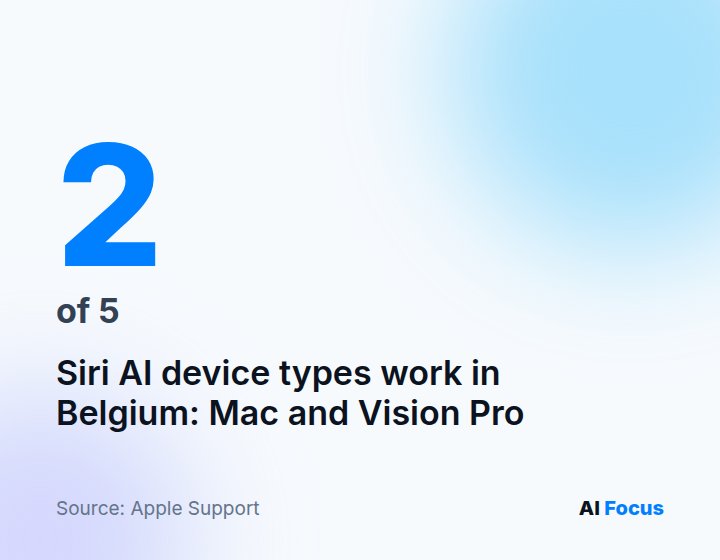
Apple’s support page puts it most clearly: “Siri AI is not available for iOS, iPadOS, or watchOS in the EU. It is available for macOS 27 Golden Gate and visionOS 27 if your Apple Account region is in the EU and your device language and Siri language are both set to English.”
What that means for your devices:
| Device | Siri AI in Belgium? | What you need |
|---|---|---|
| iPhone | No | Not available in the EU, no date given |
| iPad | No | Not available in the EU, no date given |
| Apple Watch | No | Requires an iPhone with Siri AI |
| Mac | Yes, in beta | macOS 27 Golden Gate, M1 or later or MacBook Neo |
| Apple Vision Pro | Yes, in beta | visionOS 27, any model |
One caveat about that Mac requirement. Apple’s exact wording is “MacBook Neo (A18 Pro) and Mac with M1 or later”. In its test, Tweakers refers to a Mac with an M3 chip or newer.
We go by Apple’s official list: it should also work on an M1 or M2. What does require an M3 or later with at least 12 GB of memory are the new “expressive voices”, which let you adjust the pace and expressiveness of the voice. If Siri AI itself doesn’t show up, check your language settings and the waitlist first.
How to turn on Siri AI on your Mac
- Update to macOS 27 Golden Gate via System Settings, General, Software Update.
- Set both your Mac’s language and Siri’s language to English. In the EU, Apple requires both.
- Open System Settings, click Siri and choose “Try Siri AI (Beta)”. If Siri is off, turn it on first.
- Follow the onscreen steps: you pick a voice, record your own voice and review your privacy settings.
- Wait. This puts you on a waitlist, and according to Apple, “wait times can vary”. Tweakers reports that some people got through within minutes; Tweakers itself waited about a day and a half. Siri AI then downloads automatically.
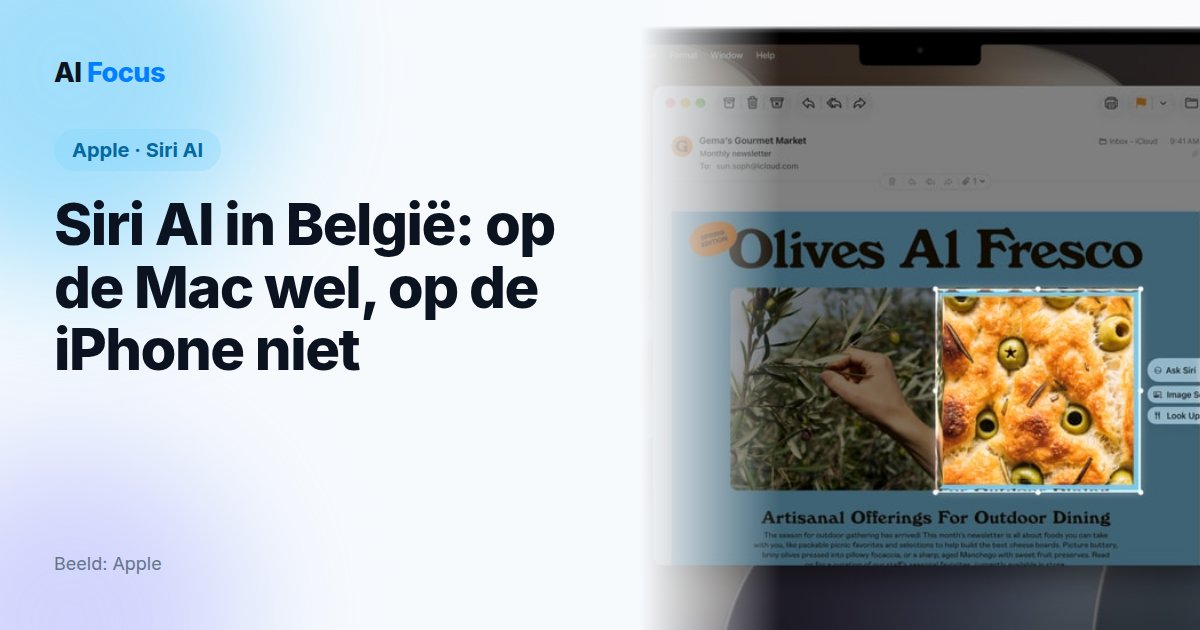
- Use it. Siri AI lives in Spotlight, where the search field now shows “Search or Ask”, and in a separate Siri app with your earlier conversations.
One more thing to know: Apple imposes daily usage limits on features that run on its servers, Siri AI included. Apple doesn’t say how high they are, only that expanded access will be paid later on.
Siri AI on your Mac: what it does well, and what it doesn’t
After its test, Tweakers is fairly impressed, but stops short of calling Siri AI flawless. A few findings that matter to you:
The good. If you type in Dutch, Siri AI works fine, even though everything is set to English. Speaking, however, has to be in English.
In Tweakers’ test, the assistant readily found old messages, emails, notes and calendar appointments. That is exactly where the old Siri always fell short. Asking when your next haircut is now gets a real answer, instead of directions to the nearest barbershop.
The not so good. It didn’t always get things right: the count of unread emails was wrong, and searching in Photos was disappointing. Siri couldn’t answer a question about that day’s news. And the same question didn’t always get the same answer, especially when phrased slightly differently.
Siri AI does save your conversations, but doesn’t seem to retain any context from them. So every new conversation starts from scratch.
Then there’s the retention period. According to Tweakers, your conversations are kept indefinitely by default. You can shorten that to 30 days or a year in the Siri settings, but Tweakers found no option to keep nothing at all.
Under the hood are models Apple built “in collaboration with Google and its Gemini models”. Processing happens on your device or through Private Cloud Compute, Apple’s own locked-down servers. Apple promises that your personal data is “not stored nor made accessible to Apple or anyone else” there.
And Siri AI in Dutch or French?
Dutch isn’t on the roadmap at all. In its September 14 announcement, Apple does say that Siri AI “will expand to French, Japanese, Korean, Portuguese, and Spanish next month”. That means October.
Apple hasn’t said yet whether French will then also be allowed on the Mac in the EU: for now, the support page explicitly requires English for EU users. For Flanders, it stays English in any case, until Apple announces otherwise.
Our take
The most striking thing about this story is not what Siri AI can do. It is the fact that it simply runs on your Mac, with a Belgian account, in the same Europe. That puts paid to the idea that a European Siri AI would be technically impossible.
The difference is legal. The DMA obligations apply to services that Brussels designates as gatekeepers, such as iOS and iPadOS. macOS is not on that list. On iPhone and iPad, Apple refuses to open up what the European Commission is asking for, so Siri AI isn’t coming. That is a choice. Apple is entitled to make it, but it is not inevitable.
The strongest counterargument deserves an honest place. An assistant that reads your mail, messages and calendar is a different thing from a search bar. Apple’s fear that forced openness gives other assistants the same access to your private life is not without merit.
But that debate is about who else gets access, not about Siri AI itself. On the Mac, which holds your mail and calendar just the same, Apple ships it without complaint.
And then there’s that retention period. An assistant that digs into your personal data and keeps your conversations indefinitely by default, with no visible option to keep nothing: that sits poorly with the privacy brand Apple wants to be.
Got a Mac with Apple silicon? Go ahead and try it. It’s free for now, within the daily limits, and it’s the first Siri that actually does something with your own data. Just set the retention period to 30 days in the Siri settings right away.
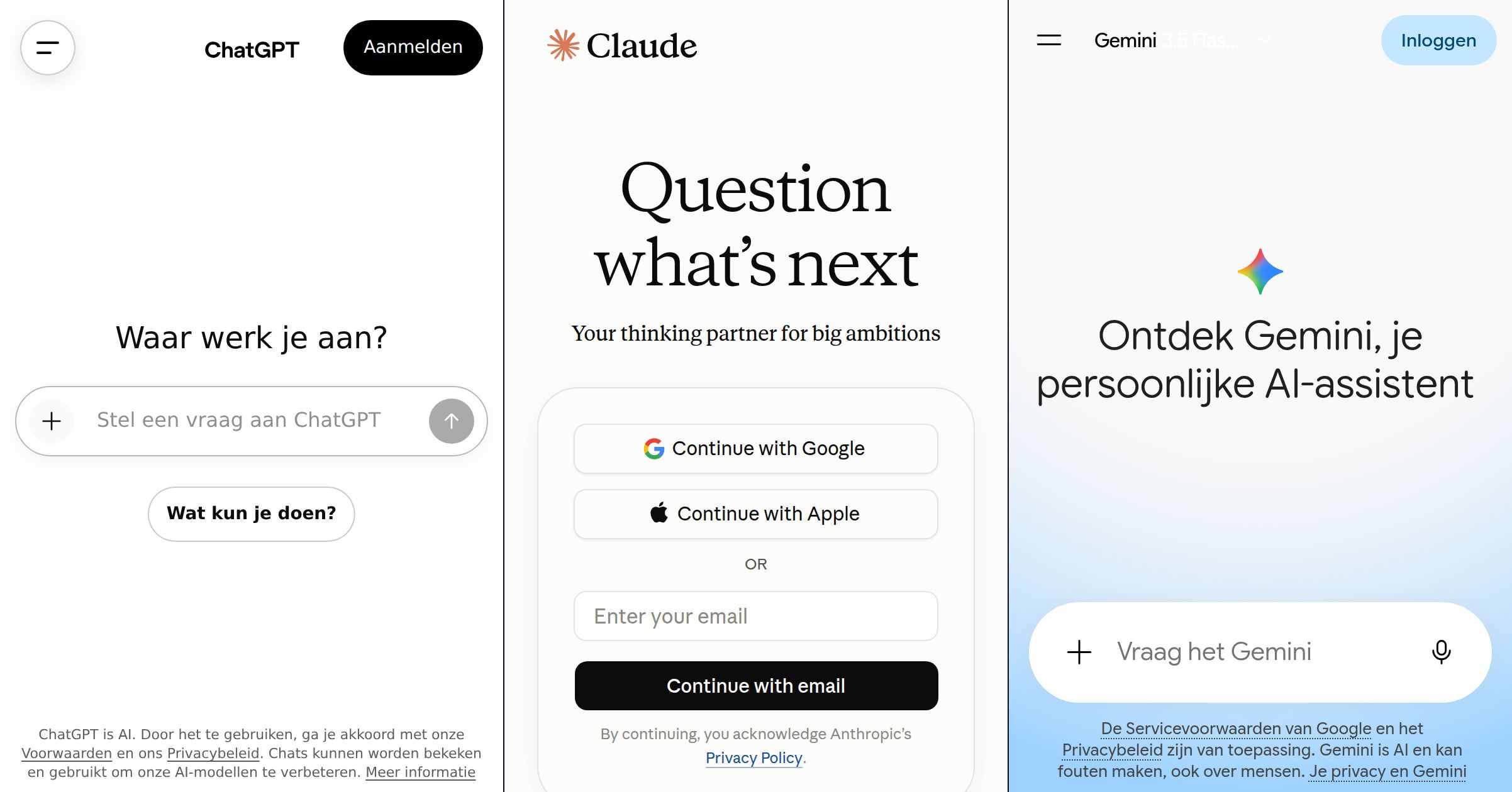
Curious how the competition stacks up? Our comparison of ChatGPT, Claude and Gemini puts them side by side. And if you only have an iPhone? Then you wait, with no date in sight.
Update 3 October 2026: on October 2, Apple announced that it will make Full Disk Access on the Mac stricter because of AI agents. Read how to check which apps can see everything on your Mac.