Gemini is replacing Gems with Skills: how to prepare
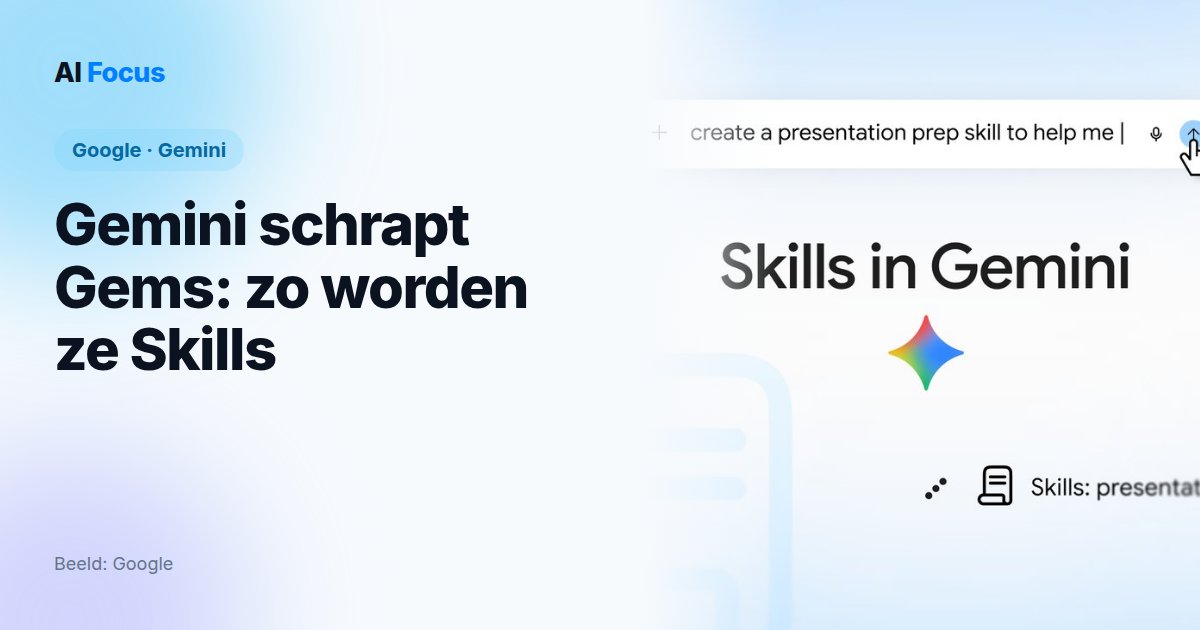
Have you built a few Gems in Gemini, say one that rewrites your emails in your style or drafts a standard meeting agenda? They’re going away soon. Google is replacing Gems with Skills.
Google made it official on 30 September 2026 in a blog post by product manager Deven Tokuno. 9to5Google and TechCrunch had reported it a few days earlier, based on a notice in the Gems management page.
The good news: you won’t lose your Gems if you do nothing. The less good news: a Skill can’t yet do everything a Gem could.
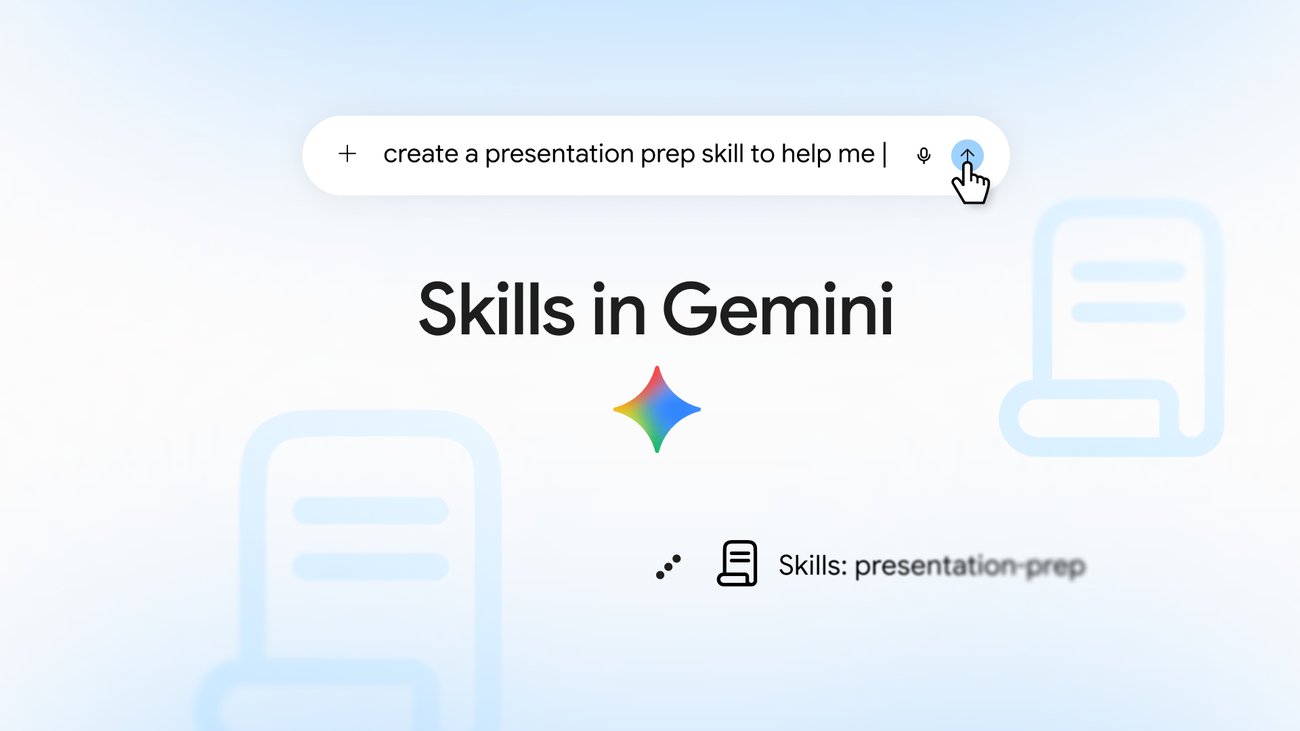
When exactly do Gemini Gems disappear?
It depends on the account you use to sign in to Gemini. The help page on the transition lists three timelines:
| Account type | Gems disappear | Skills available |
|---|---|---|
| Personal Google account | November 2026 | Now, from age 18 |
| Workspace for business, enterprise and nonprofits | March 2027 | ”In the coming weeks”, Google says |
| Workspace for Education | June 2027 | ”In the coming weeks”, Google says |
Google’s blog and help page don’t give an exact day. But 9to5Google and TechCrunch report that the app shows 17 November 2026 as the date the conversion starts, and that you can keep using your Gems until then.
Opal, Google’s experiment in mini-apps, also stops in November, as do Gems by Google Labs. The latter won’t convert to Skills, Google says.
What happens to your existing Gems
Google converts them automatically. The help page puts it plainly: “we’ll automatically transition your Gems to skills for you when Gems go away.” Your knowledge files come along, as far as Skills support them.
The catch is in what doesn’t carry over. According to Google, most of the standard Gem tools don’t yet work in Skills: video creation, music creation, Canvas, Deep Research, and Guided learning. Files from GitHub are not supported either.
If your Gem relied on Deep Research or Canvas, the converted Skill will have the same name but work differently.
What Gemini Skills can do that Gems couldn’t
A Gem was a separate tool you had to open first. A Skill is a set of reusable instructions you can use in any regular chat. According to Google’s guide, you can:
- invoke a Skill by typing /, followed by its name (Google says that will soon become @);
- let Gemini use a Skill automatically when your question fits;
- combine multiple Skills in one task, like a writing style and a house-style guide;
- ask Gemini in a chat to create a Skill for you;
- add reference files: text files, PDFs and images, up to 100 MB in total. Word and Excel files won’t work.
You can make as many Skills as you want, but at most 100 can be active at once. Sharing with others and adding files from Google Drive will follow “in the coming weeks”, Google says.
Who can use Gemini Skills?
You must be 18 or older and logged in with a personal Google account. A paid subscription is not needed: “Skills are available without a Google AI subscription”, Google writes. You do need to have “Keep Activity” turned on, the setting that lets Google save your Gemini activity.
And Belgium? Google says it’s rolling out Skills “globally”. We found no separate mention of the EU or Belgium, and no exception. If you don’t see the option yet, it may be due to the gradual rollout: Google itself warns that Skills “might not be available in your chats just yet”.
Converting your Gems to Skills: what to do now
- Make a list of your Gems. On your computer, go to gemini.google.com, open the sidebar and choose Gems. Note which ones you actually use.
- Back up your instructions. Click Edit next to each Gem and copy the name, description and instructions to a document. That way you have a backup, no matter how the conversion goes.
- Download your knowledge files. Do this per file: open it and click Download. Google recommends putting them in a folder named after your Skill, in lowercase with hyphens, like
mail-in-my-style. - Check whether your Gem uses an unsupported tool. Canvas, Deep Research, Guided learning, video or music: the converted version will work differently.
- Convert your most important Gem yourself now. Go to Settings, Skills and choose “Create manually”. Paste the name, description and instructions and click Create. Add files by downloading the Skill, putting your knowledge files in the folder with the SKILL.md file, and uploading that folder again via “Replace skill”. Uploading only works in the web app and the Mac app for now.
- Test with a question you know the answer to. Compare the result with your old Gem while it still exists.
If you use Gemini through your company or school, you have until March or June 2027. If you manage the tools for a team, though, it’s worth taking stock now of which Gems are shared.
Anthropic and OpenAI are betting on skills too
Google is not alone. Anthropic launched Agent Skills on 16 October 2025 for Claude: folders with instructions, scripts and files. On 18 December 2025 it published them as an open standard, so skills can work on other platforms.
At OpenAI, something similar seems to be happening with custom GPTs. According to The Decoder, OpenAI is phasing them out, and trade publication Virtualization Review reports they are tentatively due to stop on 11 December 2026 and become plugins, in which their instructions become a skill. We couldn’t see OpenAI’s own docs, so take that date with due caution.
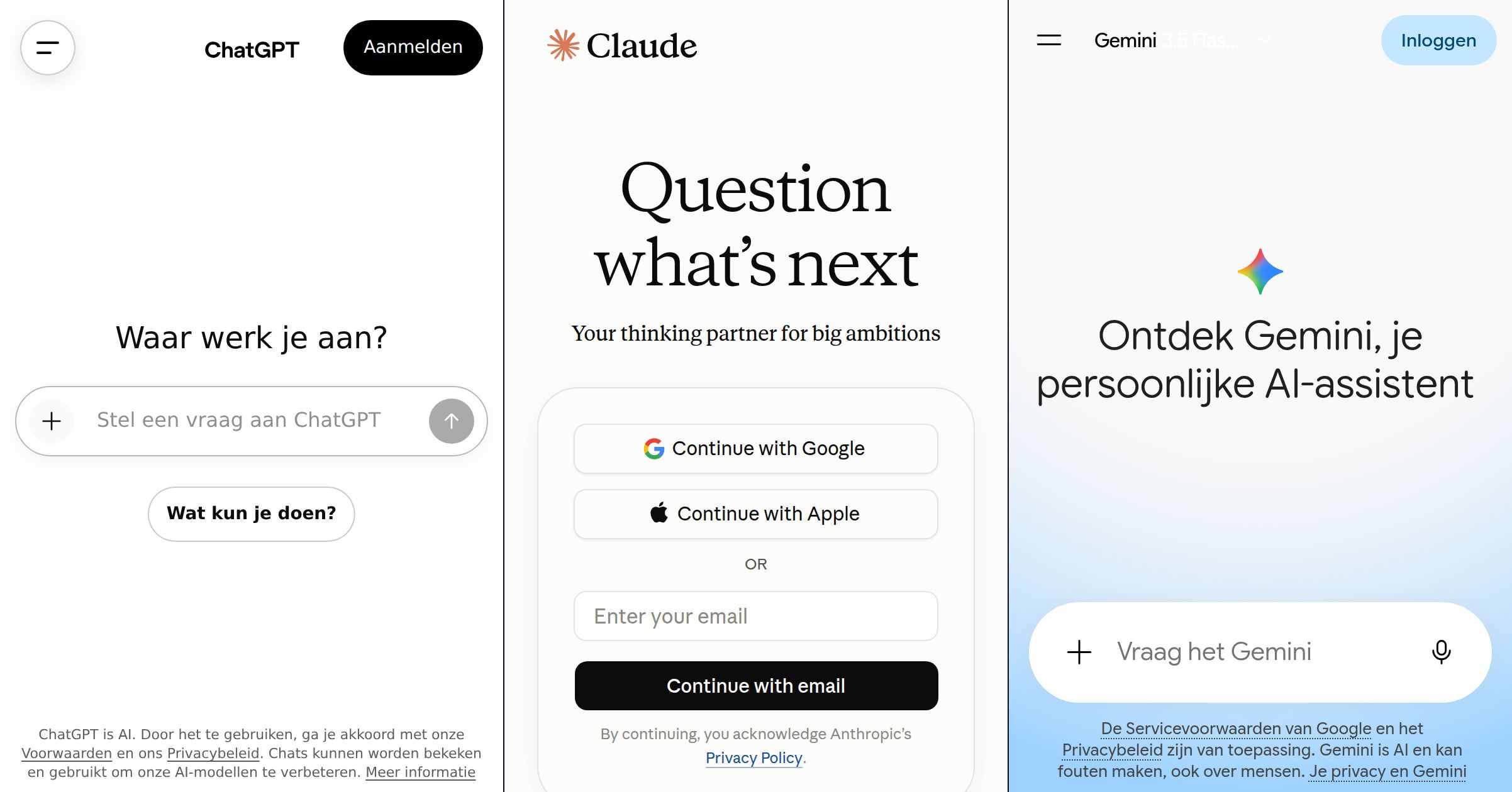
For how the three big chatbots differ in other ways, see our comparison of ChatGPT, Claude and Gemini.
Our take
This is a good move, with one caveat.
The good part: a Skill is a plain file. Google lets you download any Skill as a zip with a SKILL.md file inside, and you can import SKILL.md files you made on other platforms. That is the same filename as Anthropic’s open standard. So your prompts are no longer locked into one chatbot. Whether every Skill works everywhere without edits remains to be seen, but the direction is the opposite of lock-in.
The caveat: automatic conversion sounds reassuring, but a Gem that leaned on Deep Research changes its behavior without you noticing. And Skills that Gemini uses on its own are handy until one shows up where you didn’t expect it. Once you can share Skills, the same lesson applies as with the ChatGPT leak, where one custom GPT with hidden instructions was enough: don’t install instructions from anyone you don’t trust.
Our advice: don’t wait until November. Take fifteen minutes this week, back up your instructions and test your two most important Gems as Skills. Then you can be sure your workflow keeps working.